

Color Visualizer
Choosing the right paint color is much easier when you can see it on your own walls.
On this page, you can use professional color visualizer tools from leading paint brands to preview colors in your interior or exterior — before you start painting.
How to Use the Color Visualizer
- Click on one of the tools below.
- Upload a photo of your room or choose one of their sample scenes.
- Try different colors, sheens, and combinations.
- Save your favorite options and share them with us when you’re ready for a quote.
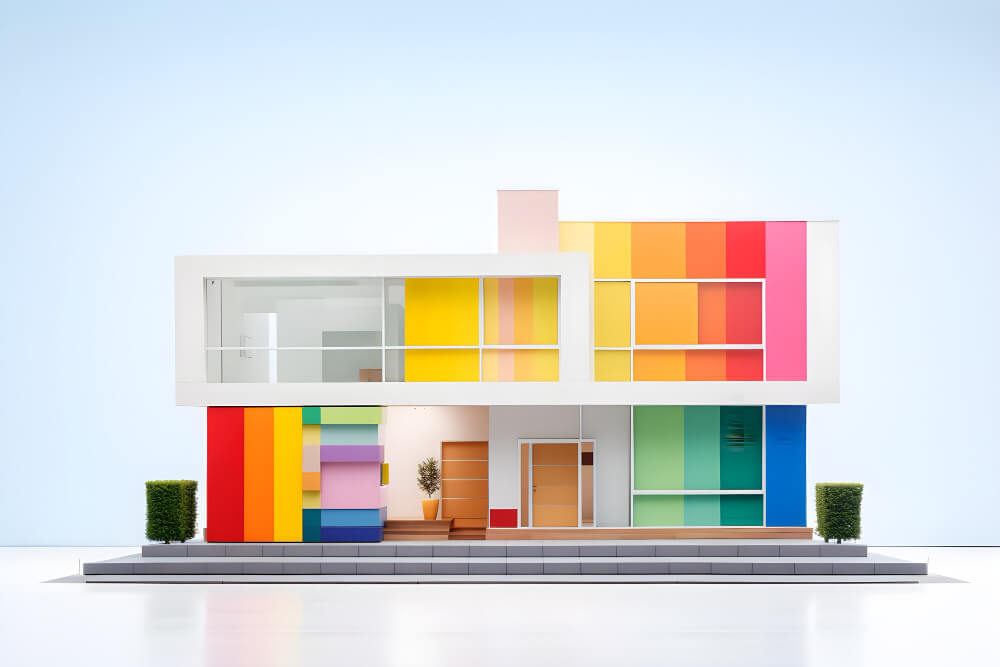
Sherwin-Williams Color Visualizer
Upload a photo and virtually paint your walls, compare colors side by side, and explore professional palettes.
Behr Paint Colors Visualizer
Use the Project Color tool or app to see how different Behr and other paint colors will look in your rooms or on your home’s exterior.
Lowe’s Paint Visualizer
Try paint colors in sample rooms or upload your own photo to see how different shades will look before you buy.
Share Your Color Ideas with Better With Bear
Online Color Tools from Our Trusted Partners
You can experiment with colors using these official tools:
Once you’ve tested colors and found a few favorites:
– Take screenshots or write down the brand and color name
– Send them to us with your project request
– We’ll help you choose the best finish and product for your space and professionally apply the paint

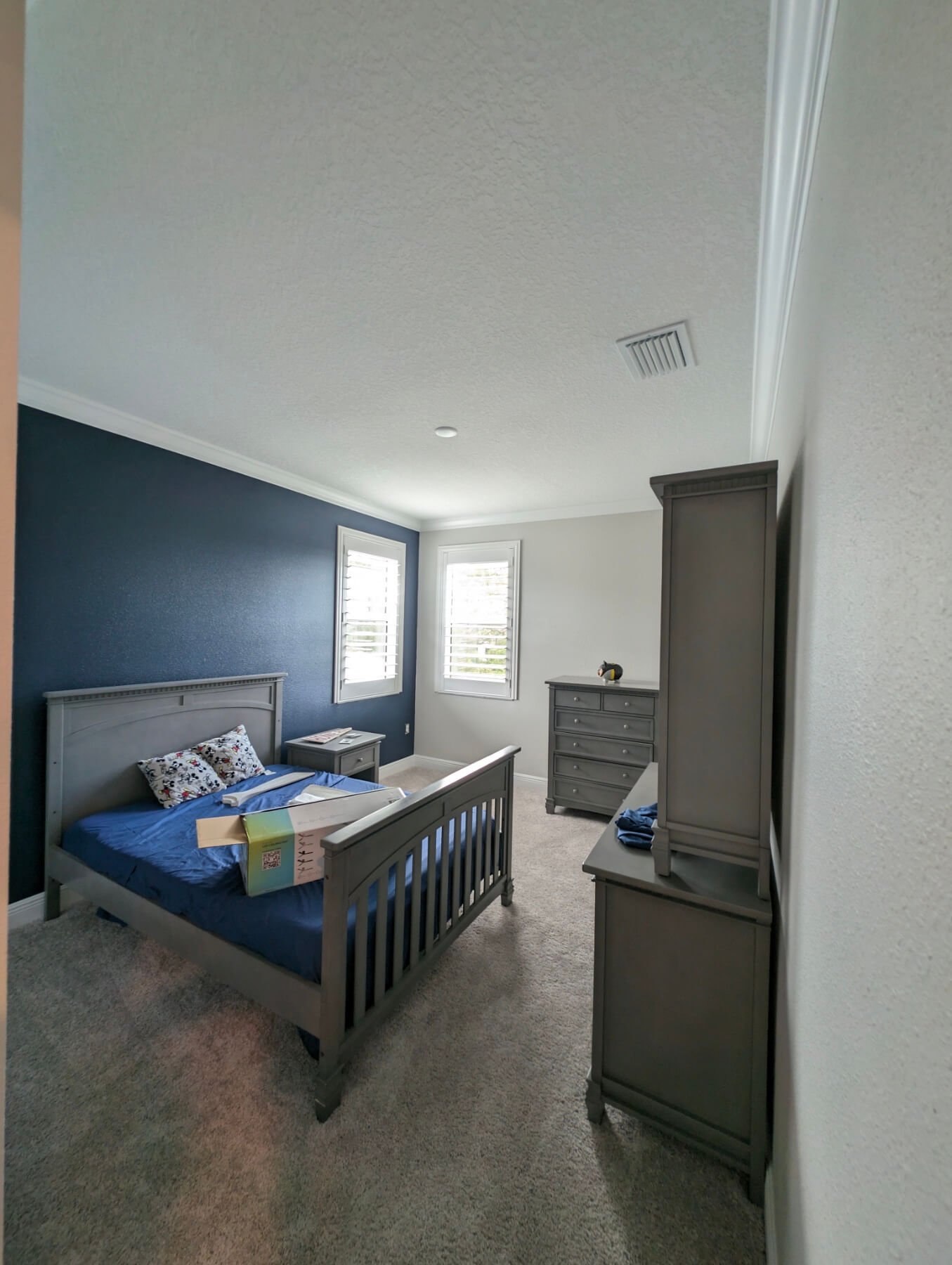
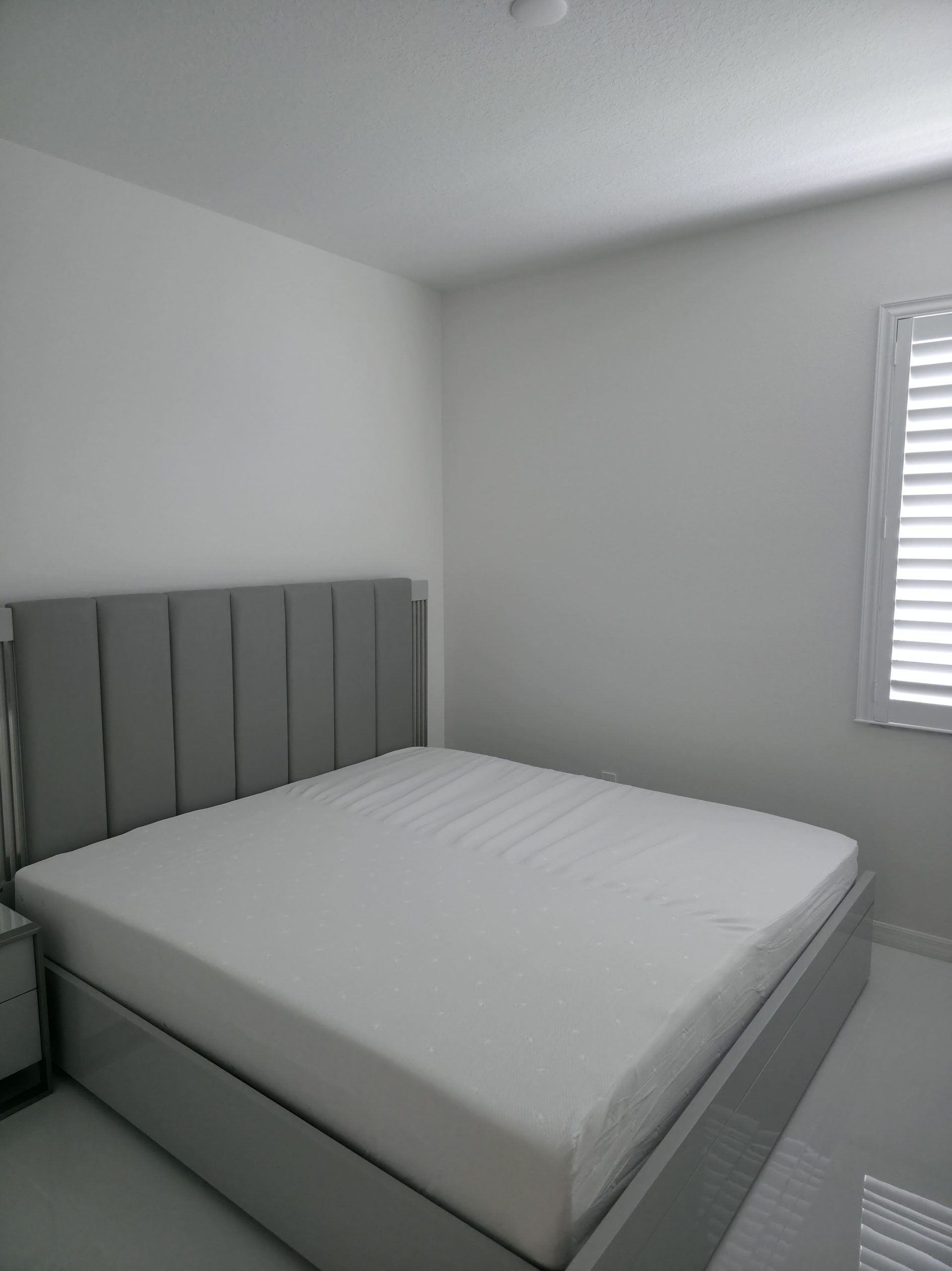
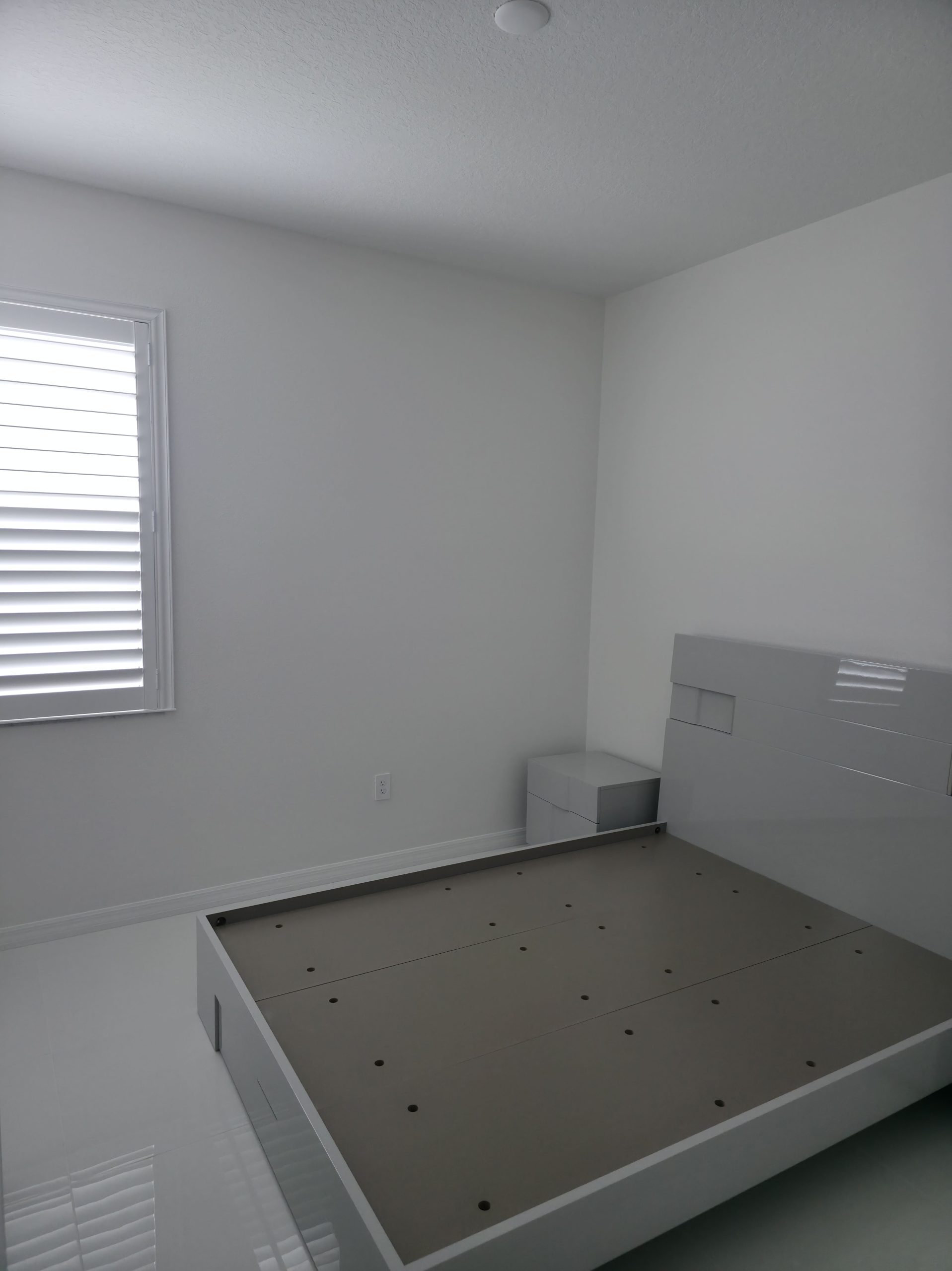
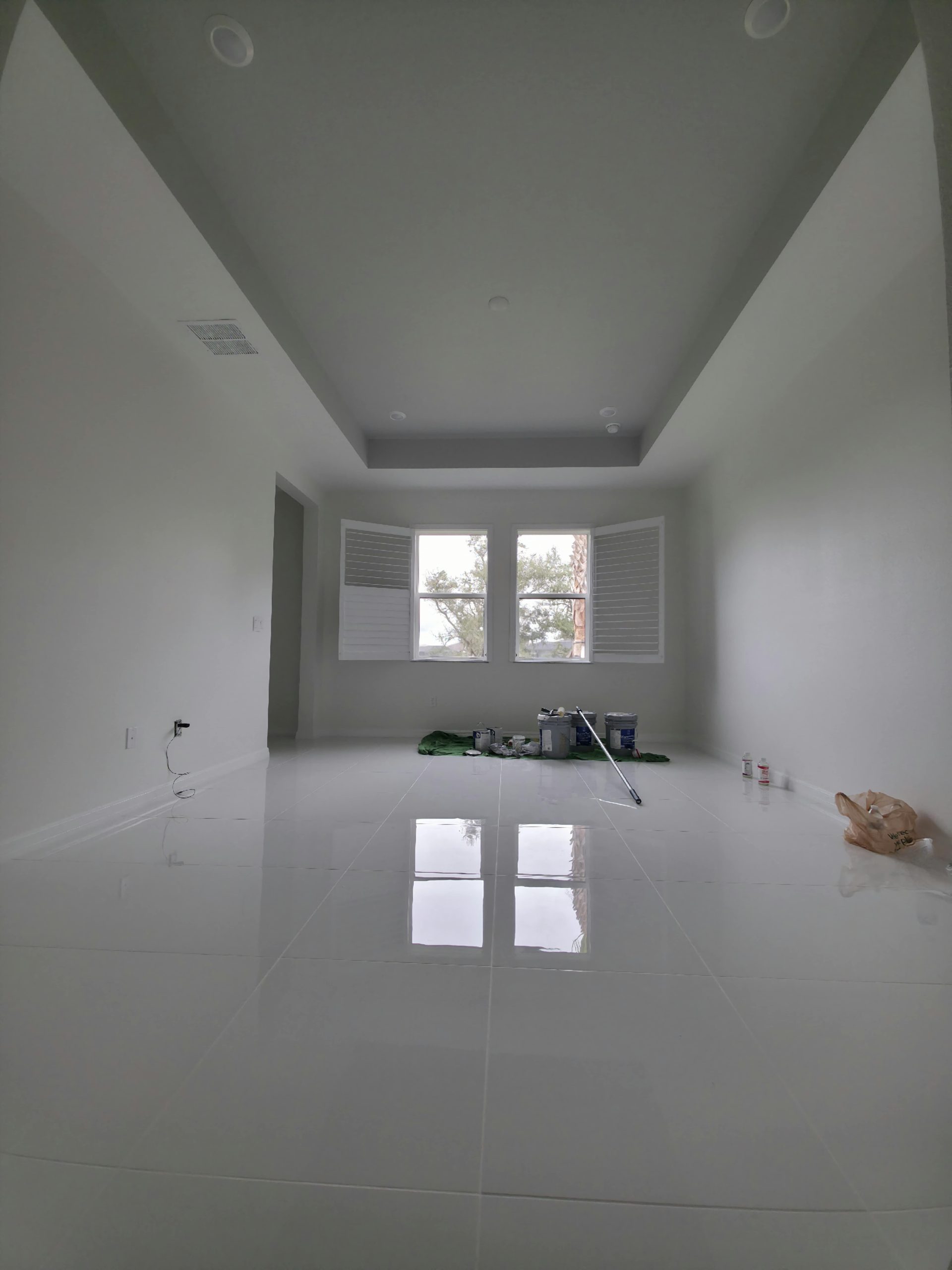
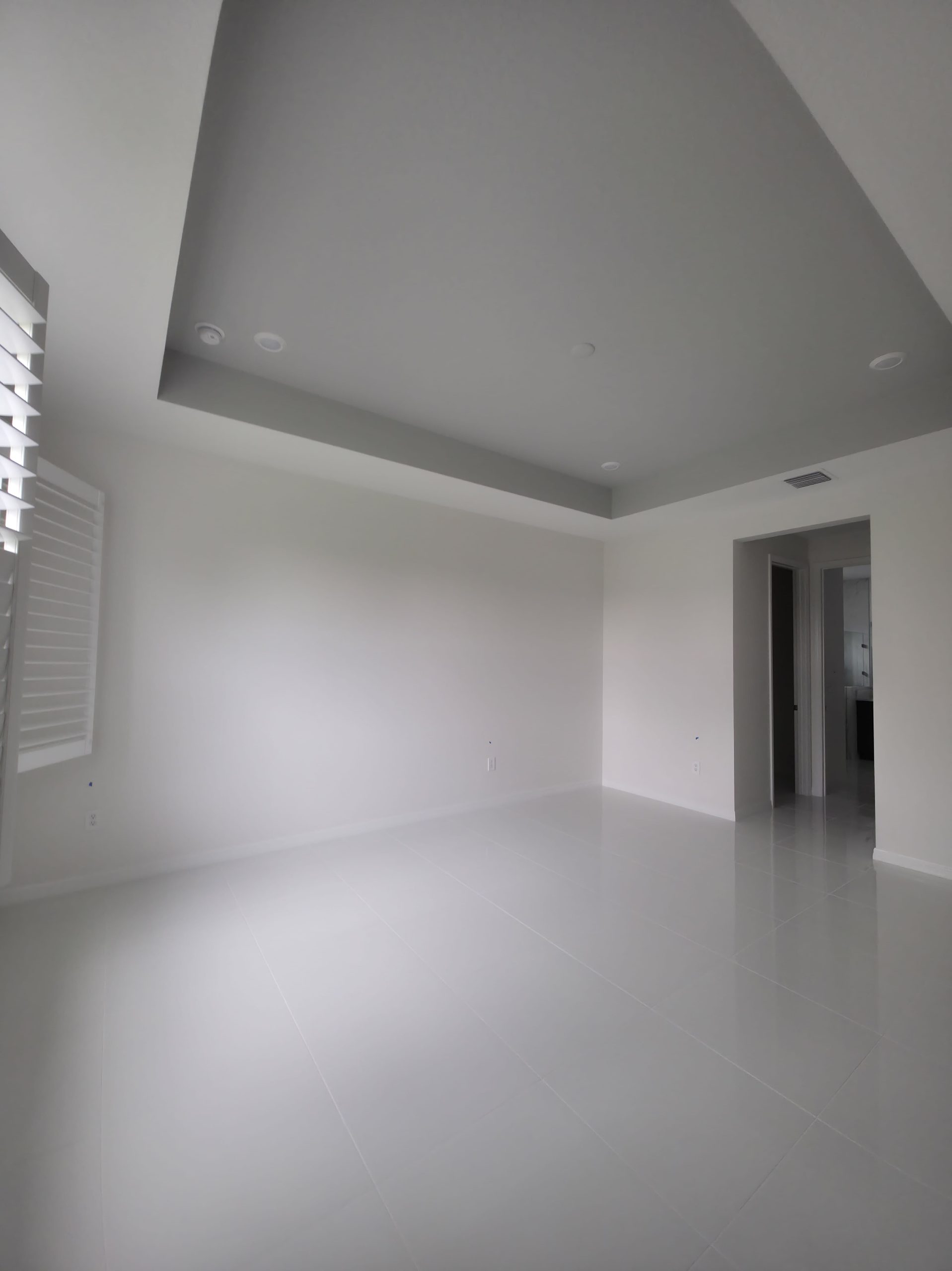
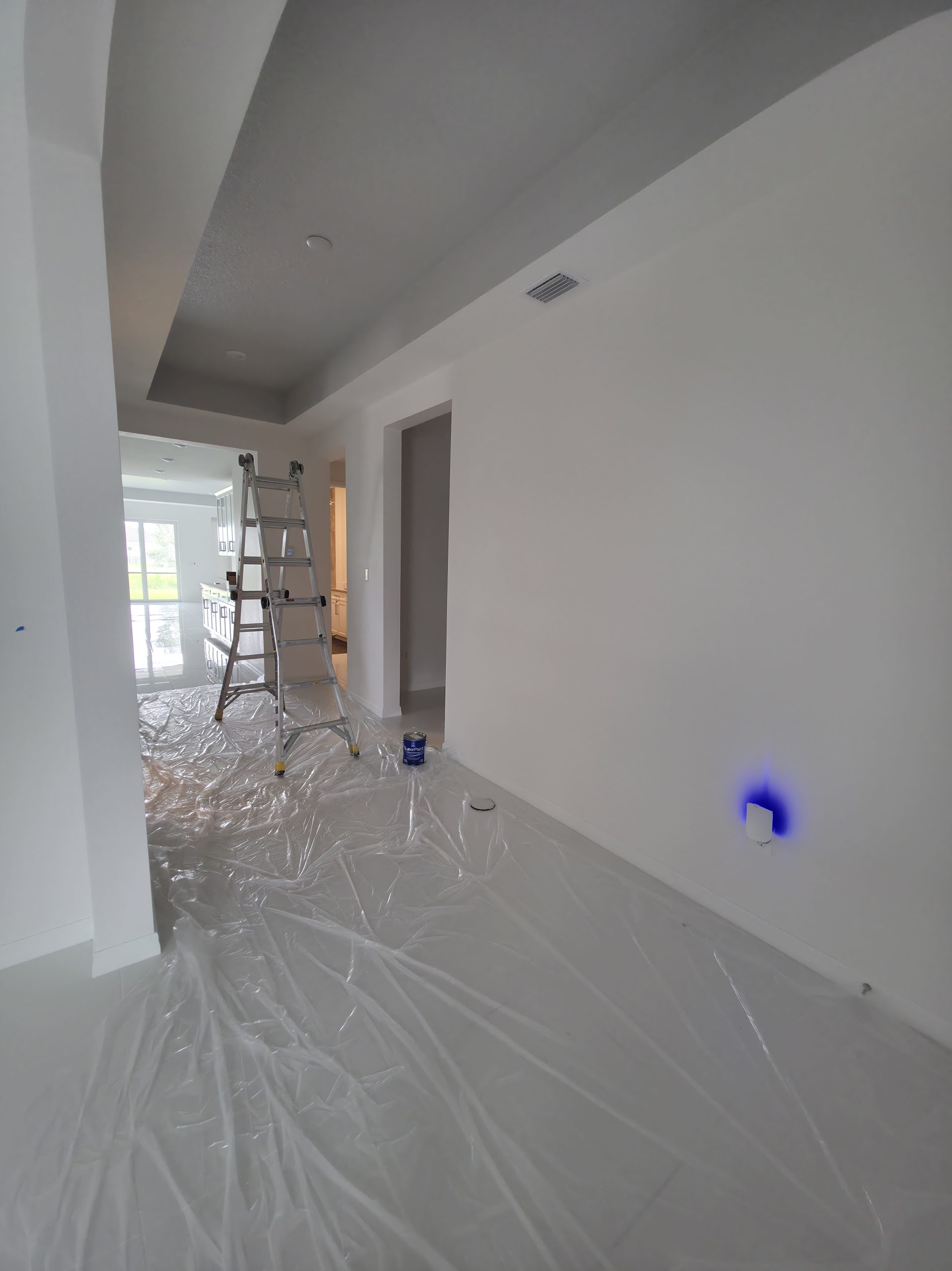
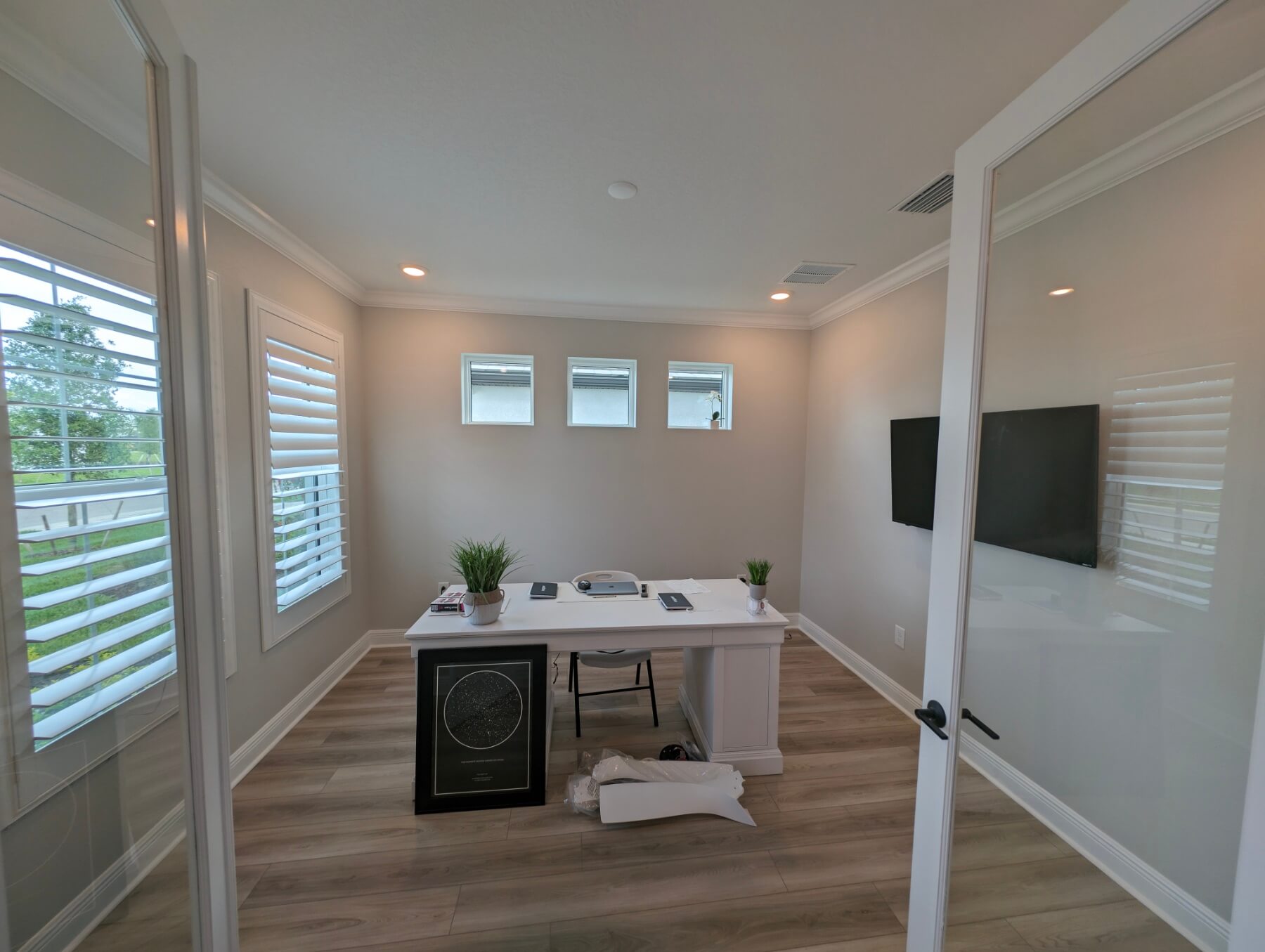
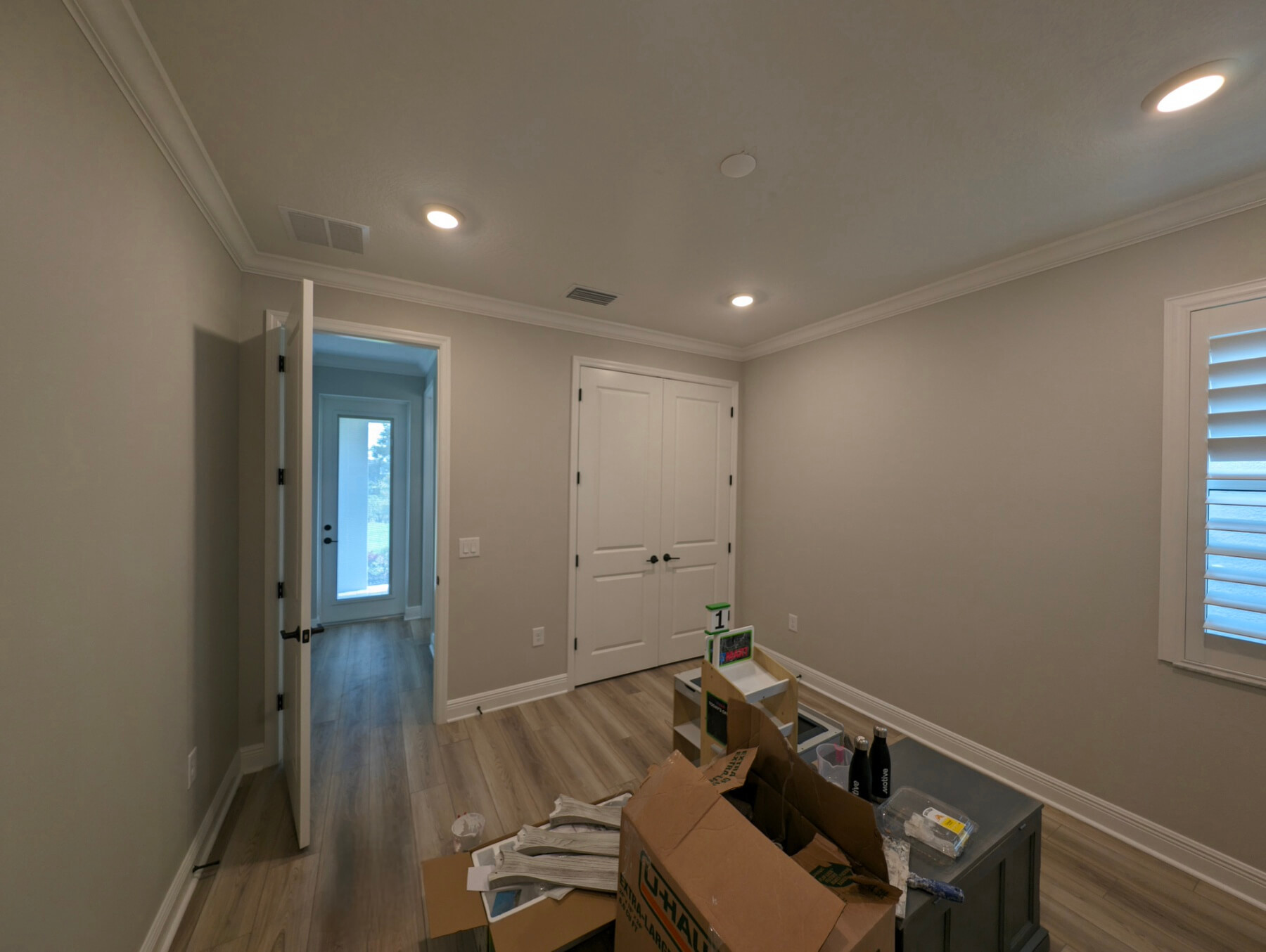
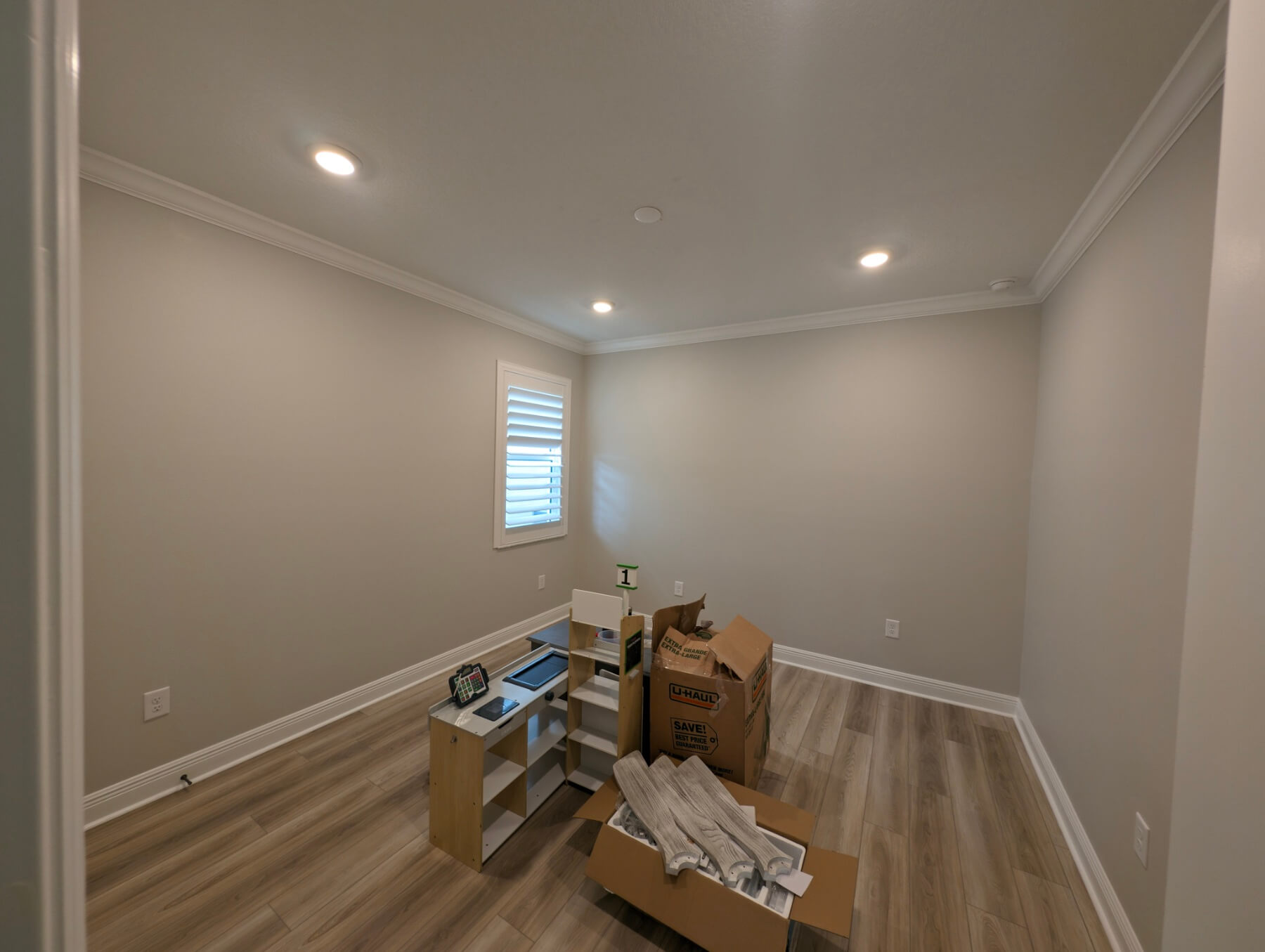
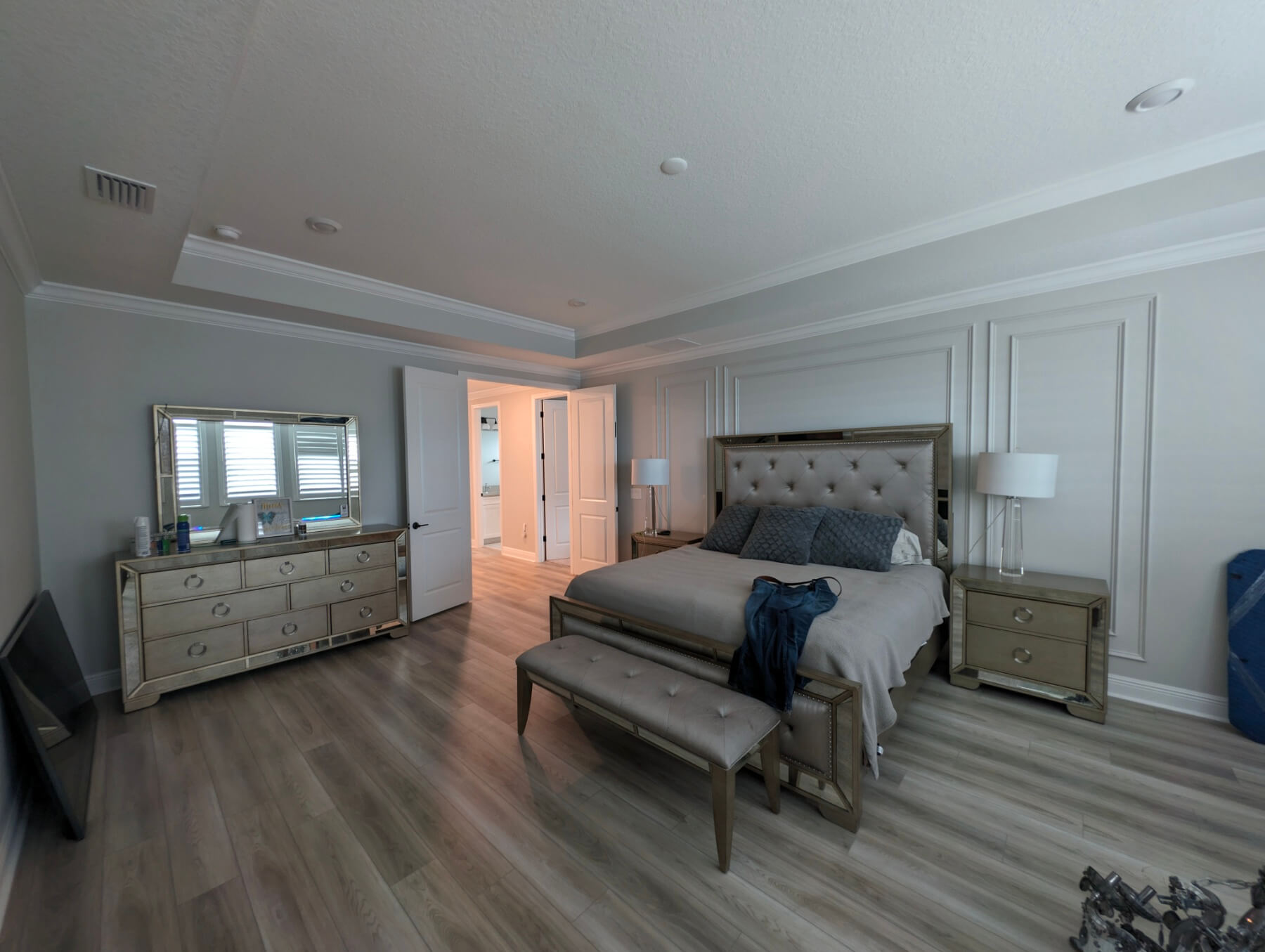
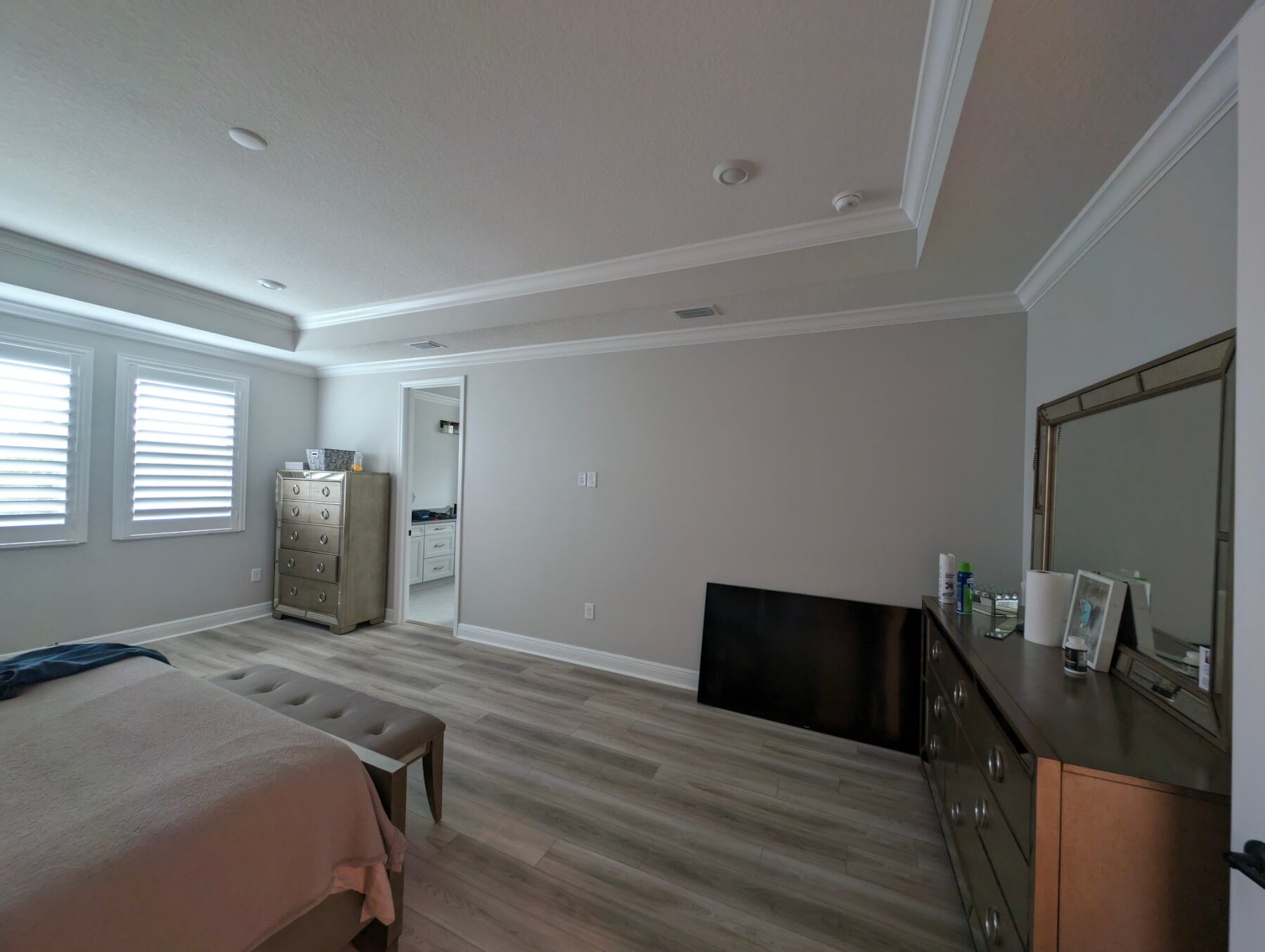
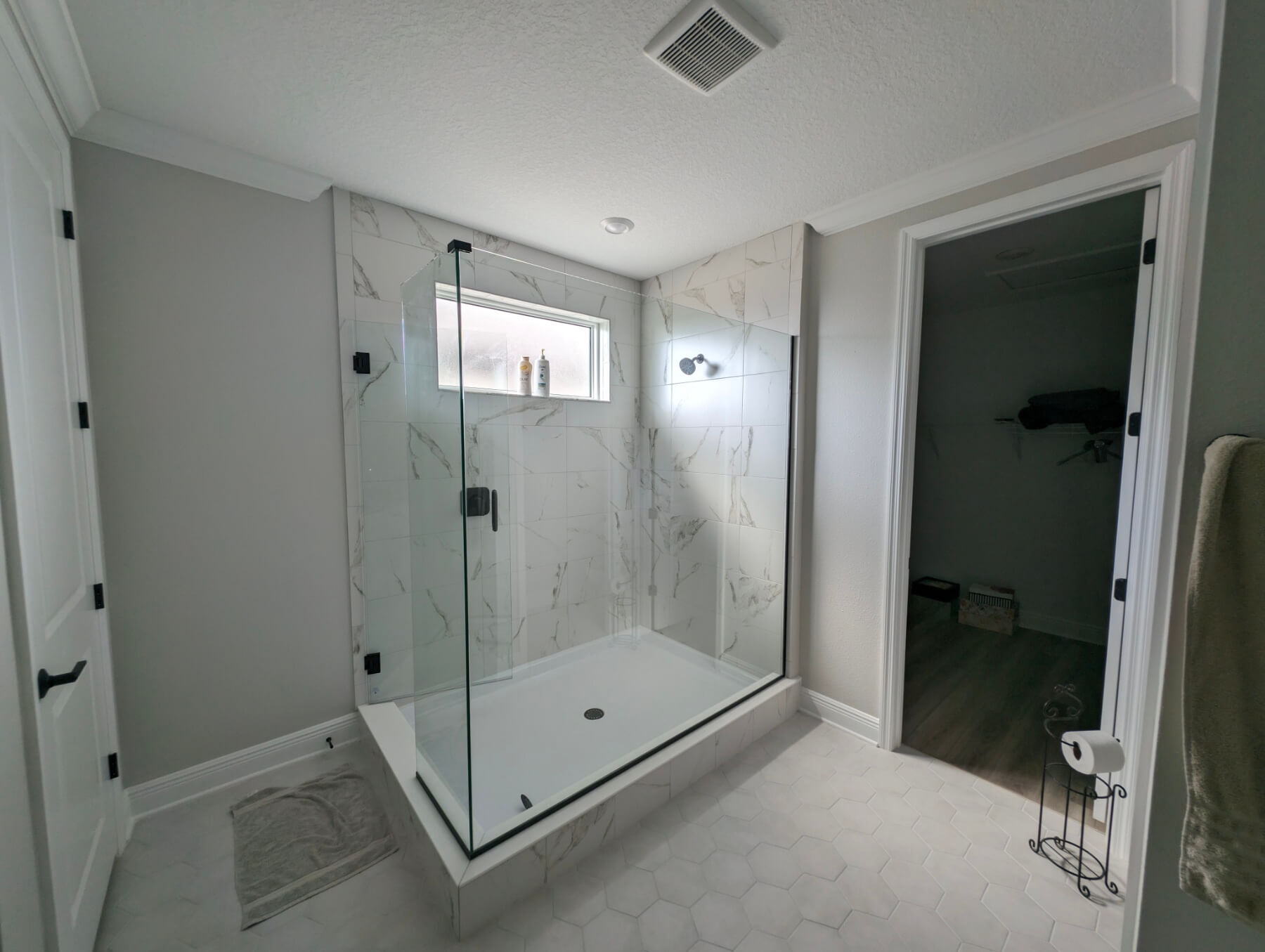
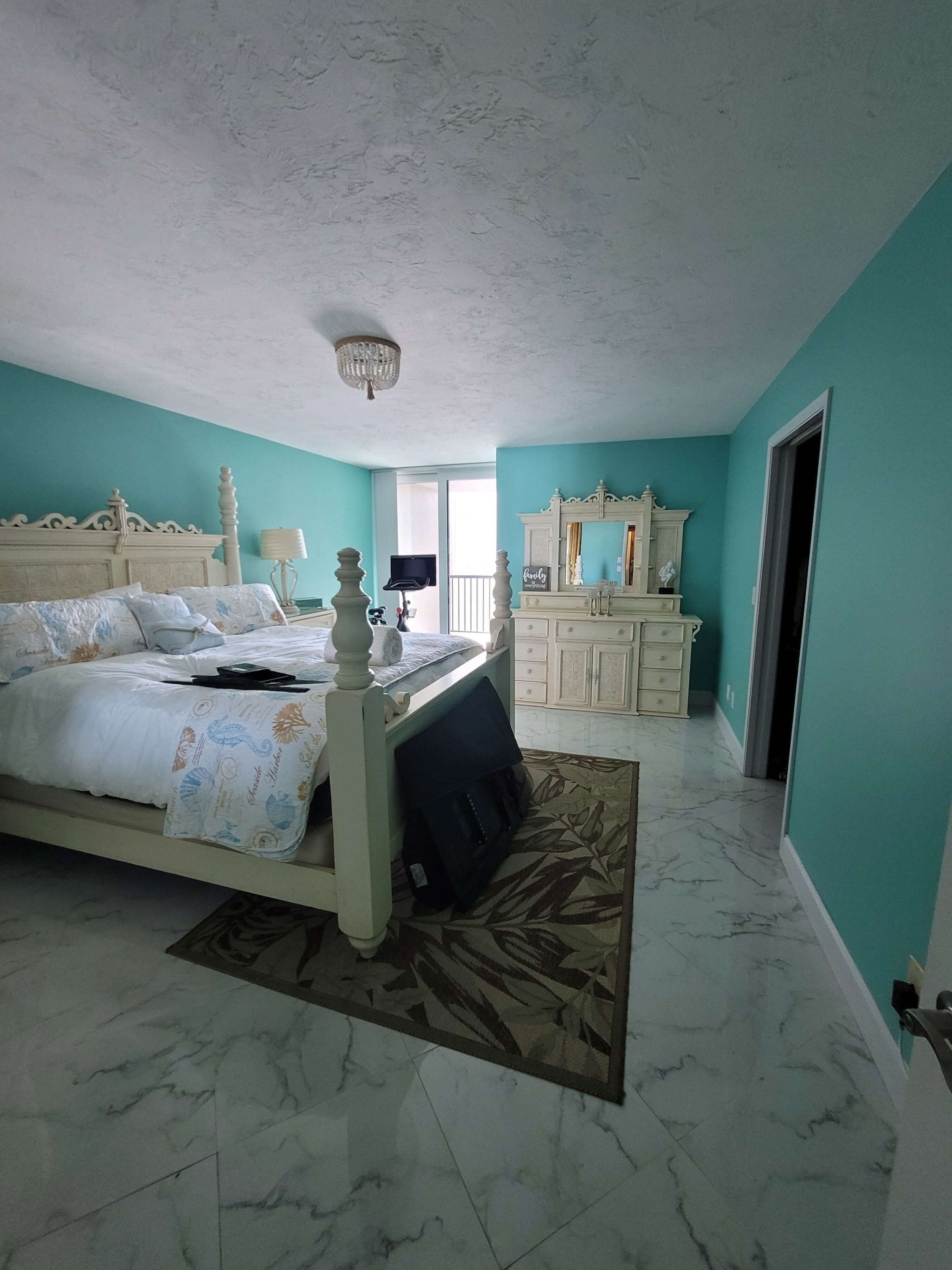
Our Completed Projects Gallery





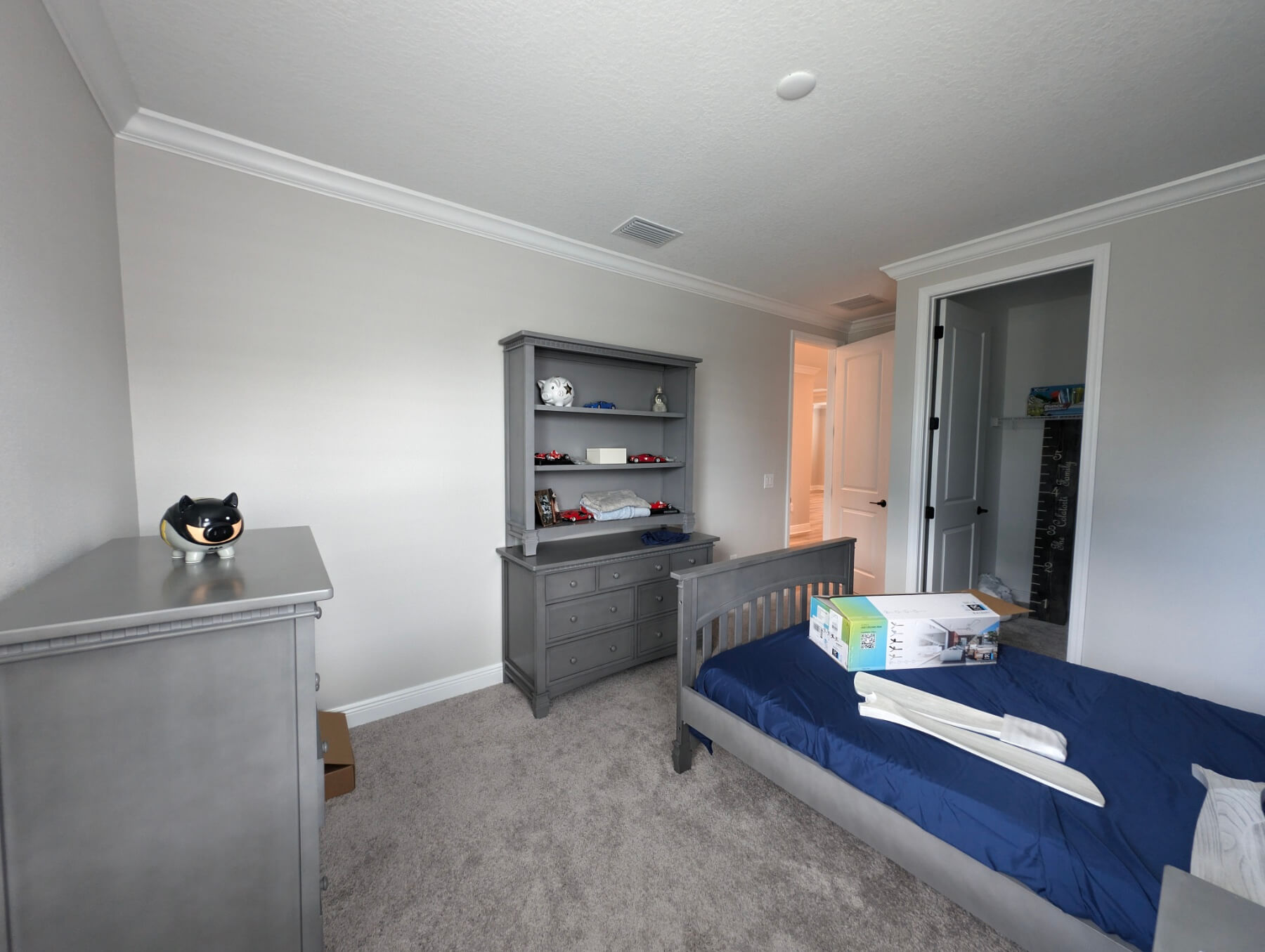
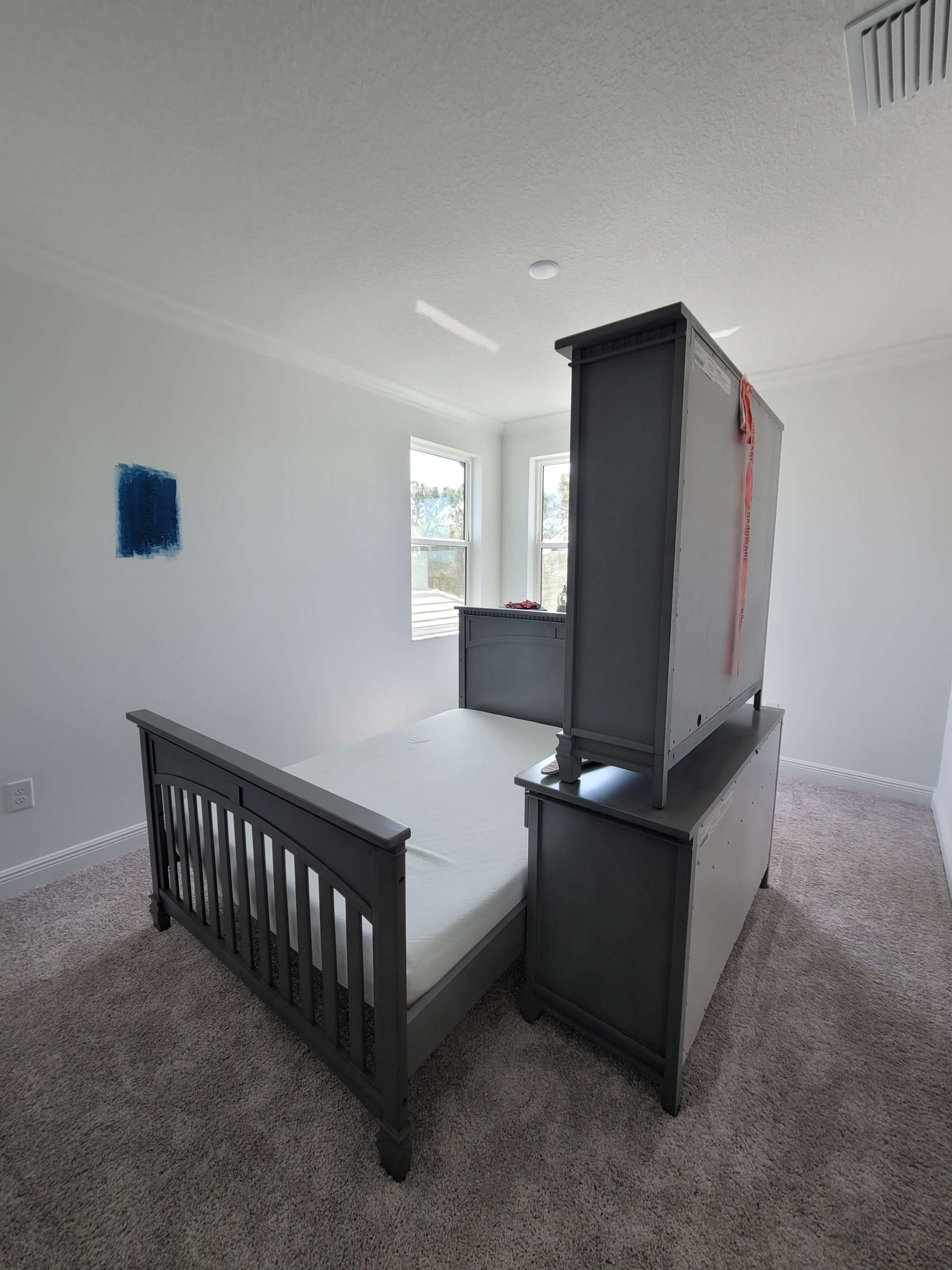
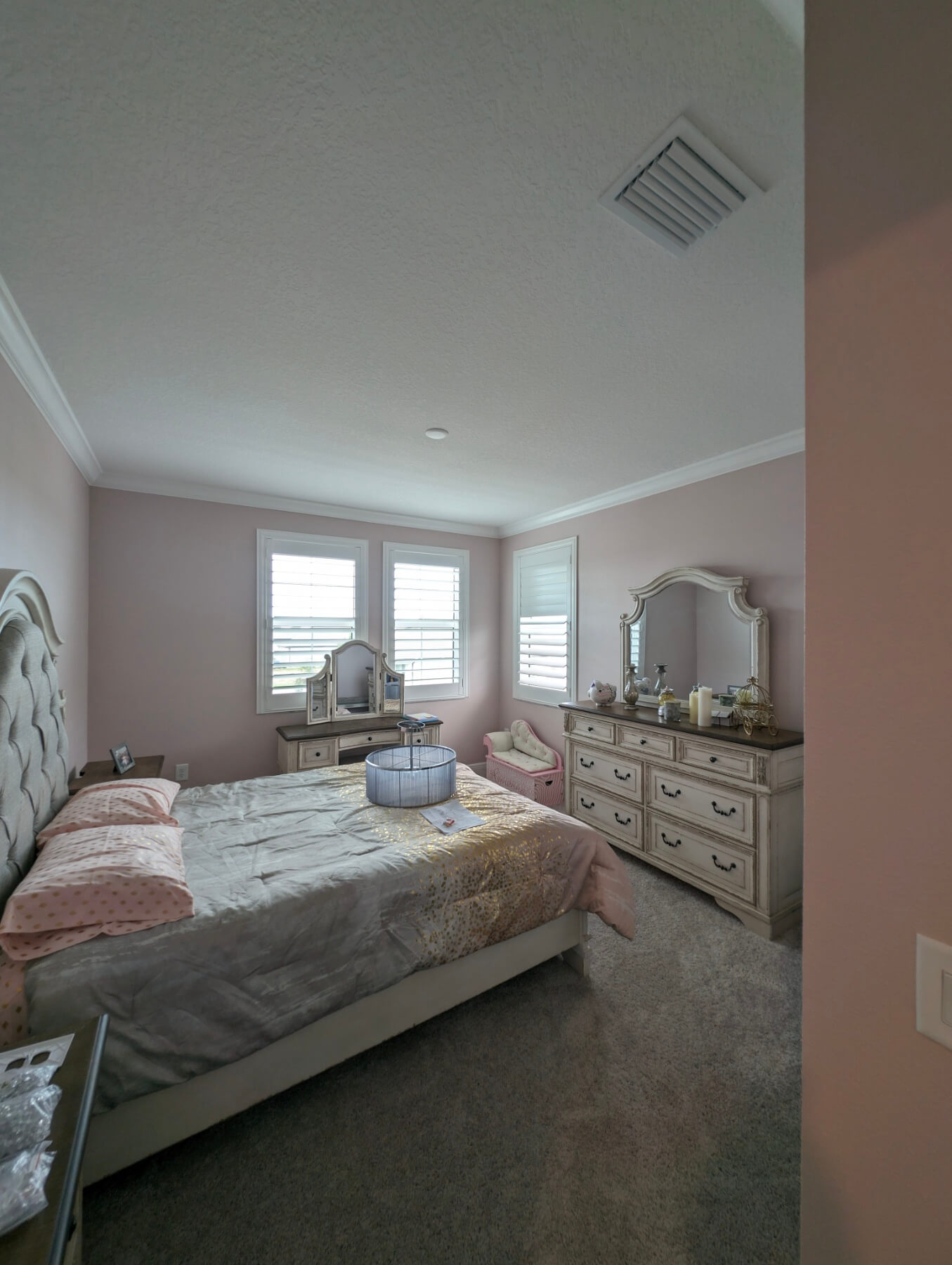
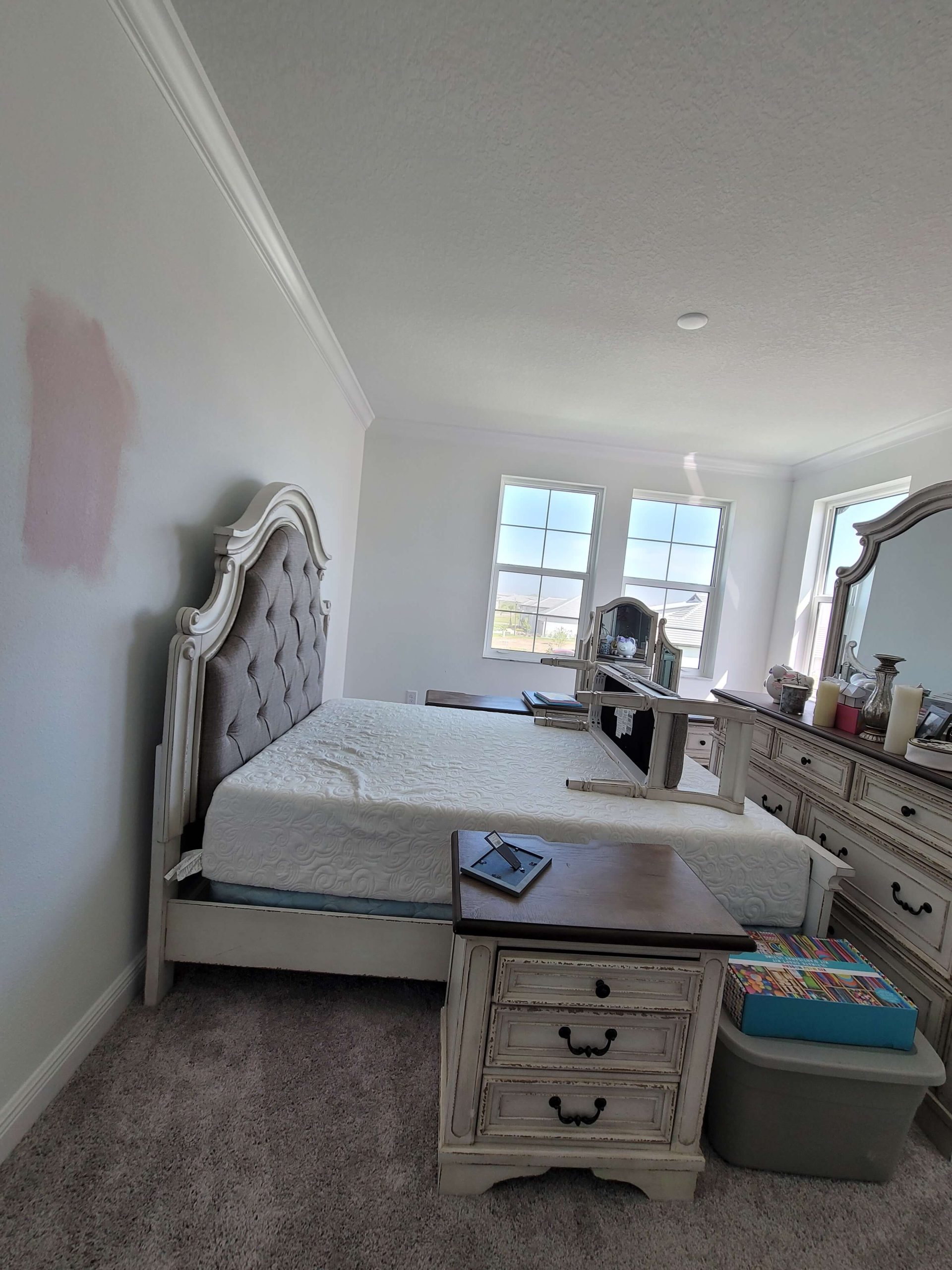
Ready to Transform Your Home?
Better With Bear — professional painting with colors you already love.